Ask Claude
When the claude CLI is installed, the log of a failed package shows an Ask Claude button. Click it, and a Claude pane opens next to the log. Claude reads the end of the failed log, looks at the code of your workspace, and explains the cause. The pane shows the investigation live: the files that Claude reads and searches, and its answer.
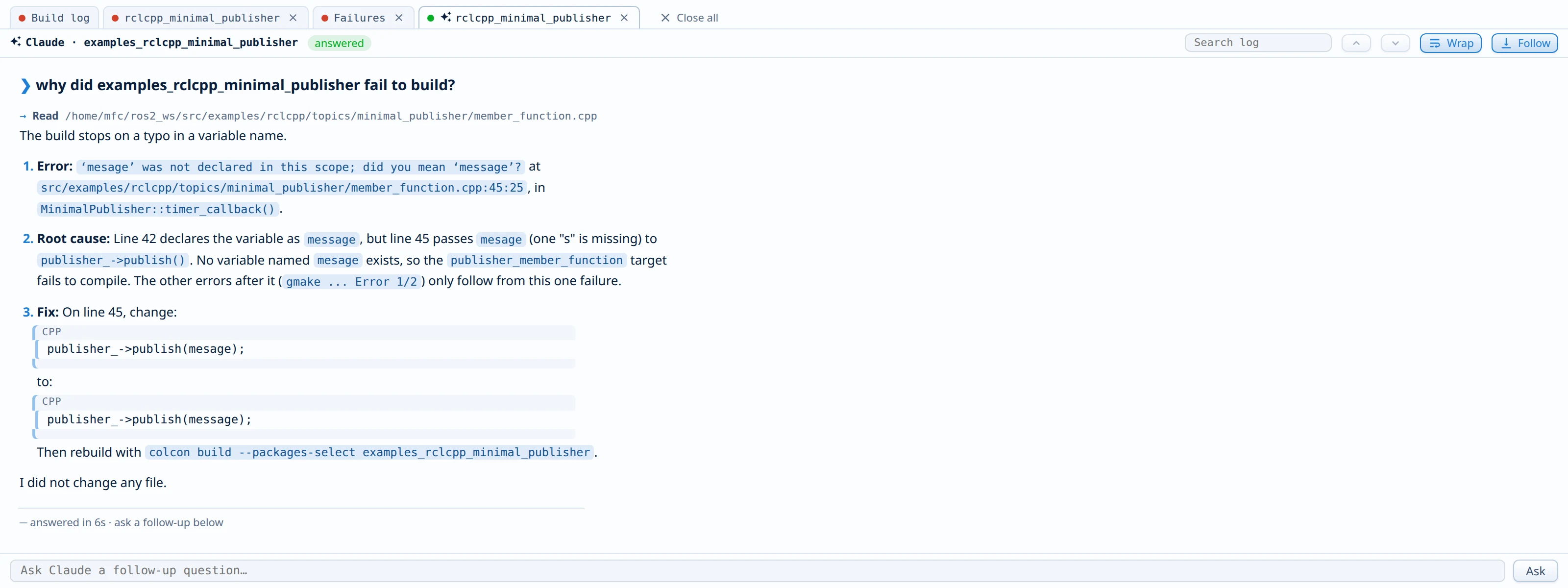
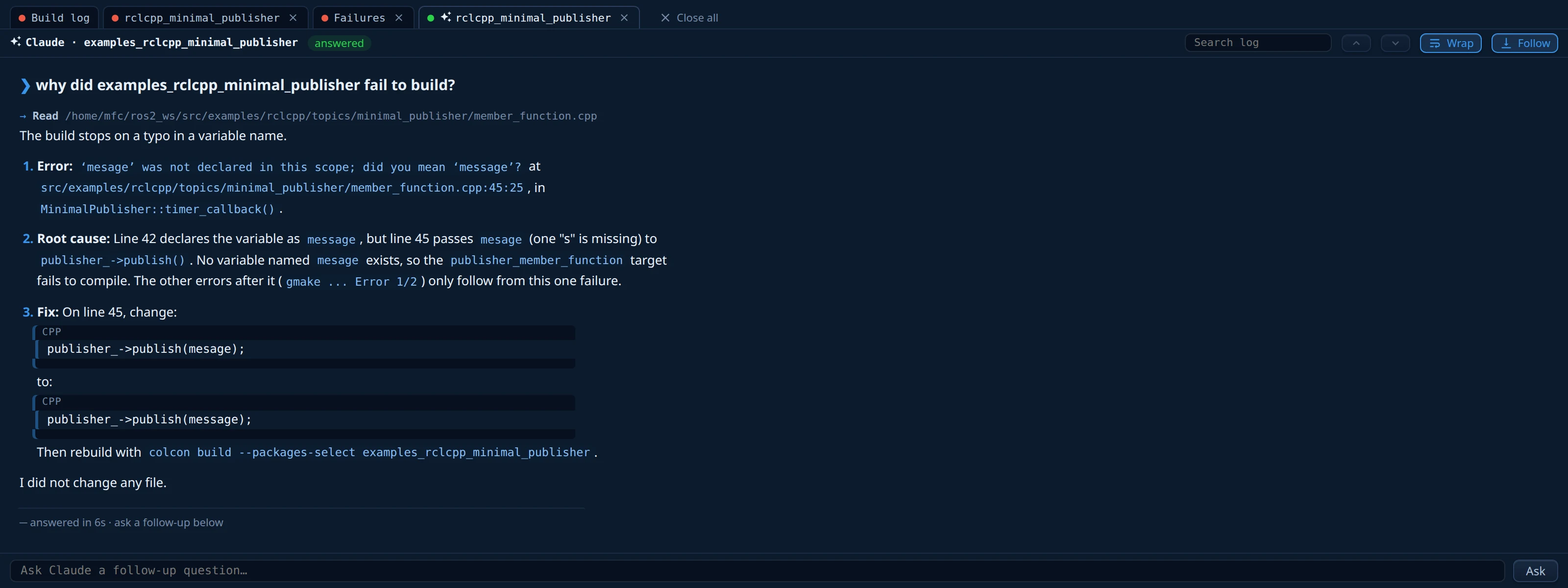
- Nothing runs by itself. Each analysis starts with your click, and it uses your Claude plan.
- Claude can only read and search files. It cannot run commands or change your code.
- The transcript stays next to the logs of the package. It survives a restart of the server and opens again at once.
- The box under the transcript asks follow-up questions in the same conversation.
If the button does not show, see Troubleshooting.